Begin by downloading and installing the Dirac Live software on your computer. The software is available for Windows and Mac. You can find the download links in the bottom of this page.
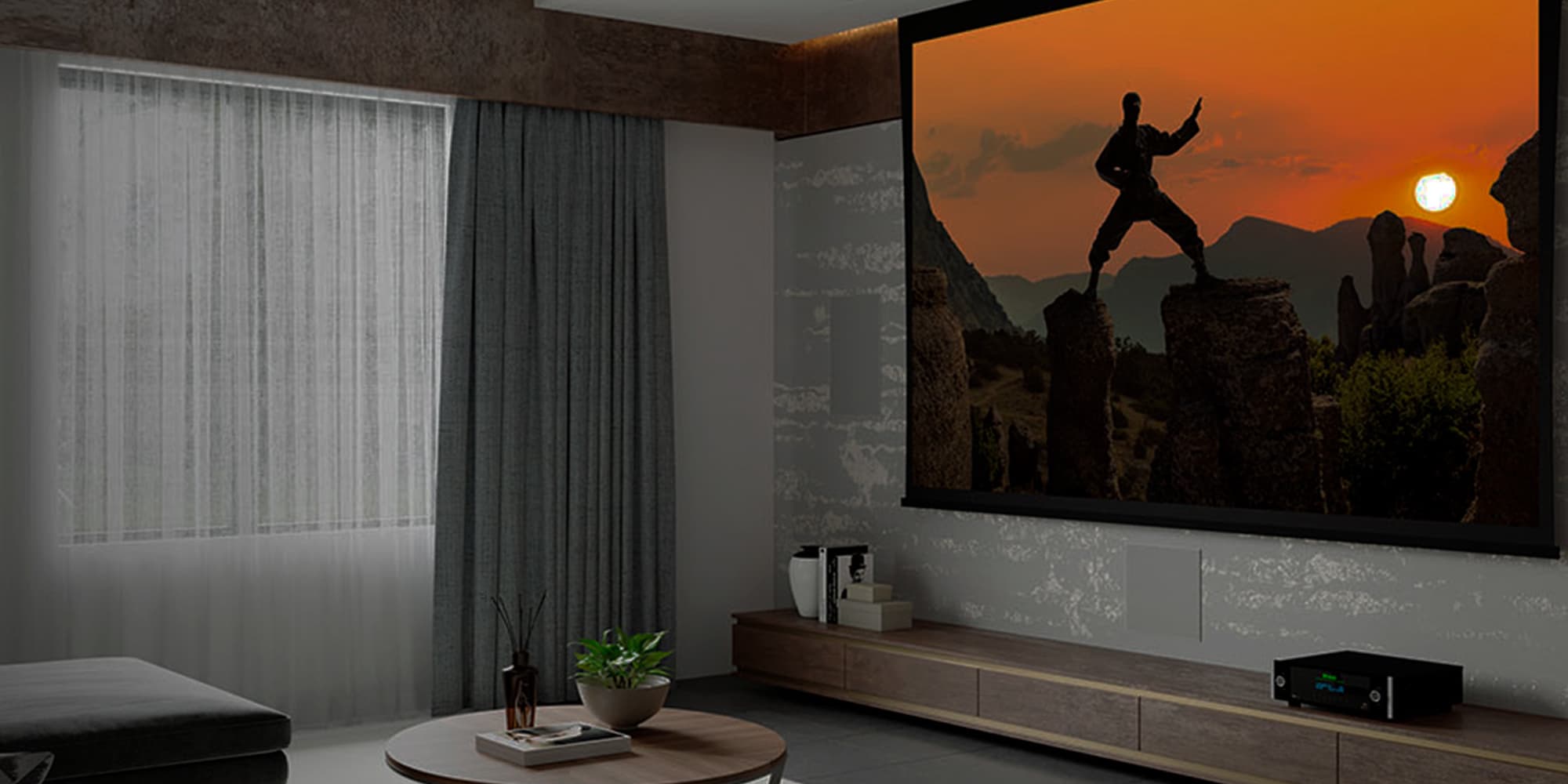
Get started with Dirac on your McIntosh
Your McIntosh includes Dirac Live, so you can hear your system at its full potential. It analyzes your room, precisely calibrates your speakers, and delivers clear, balanced sound tailored to your space.
Quick start guide
Setting up and calibrating with Dirac Live Room Correction is a straightforward process that will enhance your audio experience. Here’s a brief overview of the steps.
1. Download the Dirac Live software
2. Connect your microphone
Get your calibration microphone. Use a calibrated measurement microphone, such as the recommended miniDSP UMIK-1. Connect it to your computer.
3. Start the calibration
Watch the video guides below, and follow the steps in Dirac Live.
Official Calibration Guide
Tips & tricks
Dirac Live for Windows & macOS
Supported operating systems: Windows 10, Windows 11, macOS 11 is required from Dirac Live 3.10.3 and onwards.
Dirac Live for iOS and Android
Please note that Bass Control and Active Room Treatment is only supported on Windows and macOS.