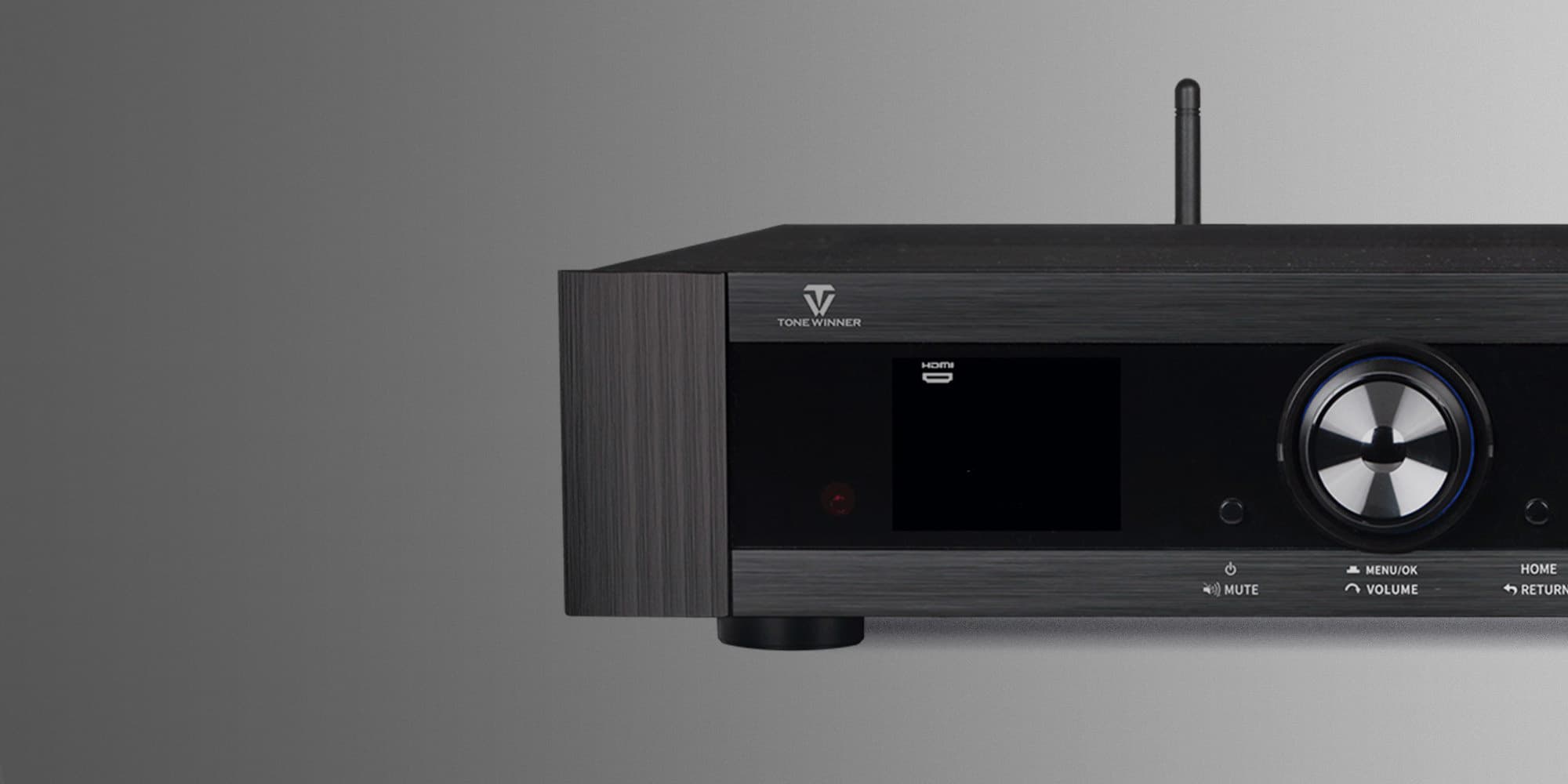
Get started with Dirac for Tonewinner
Setting up and calibrating your Tonewinner AT-600 with Dirac Live is a straightforward process that will enhance your audio experience. Here’s a brief overview of the steps.
1
Begin by downloading and installing the Dirac Live software on your computer. The software is available for Windows and Mac.
2
Get your calibration microphone. Use a calibrated measurement microphone, such as the recommended miniDSP UMIK-1. Connect it to your computer.
3
Watch the video guides below, and follow the steps in Dirac Live.
Tips & tricks
What's included?
All three Dirac Live products are included with your AT-600. Room Correction and Bass Control are ready now, with Active Room Treatment on the way.