Dirac Live microphone requirements
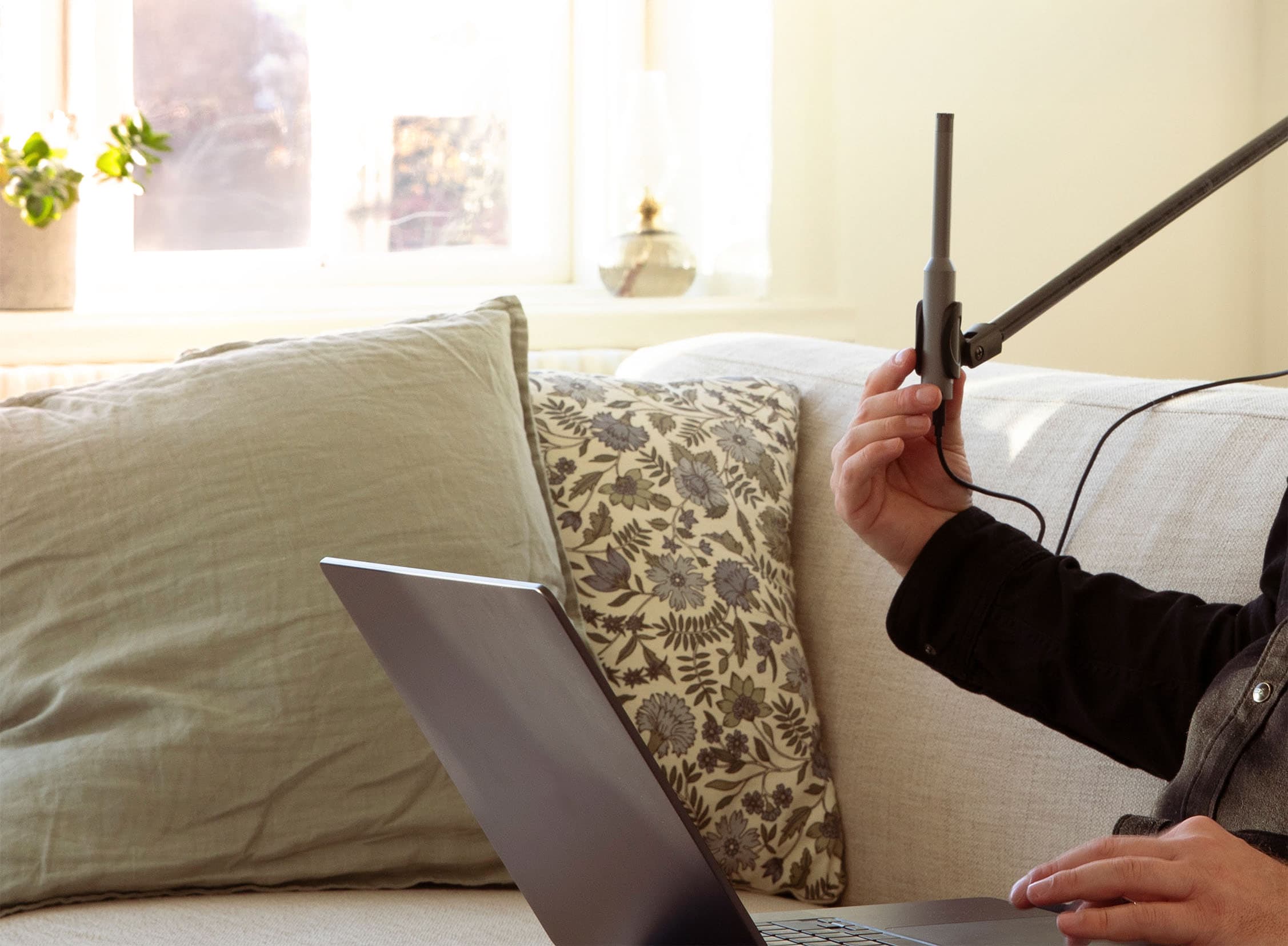
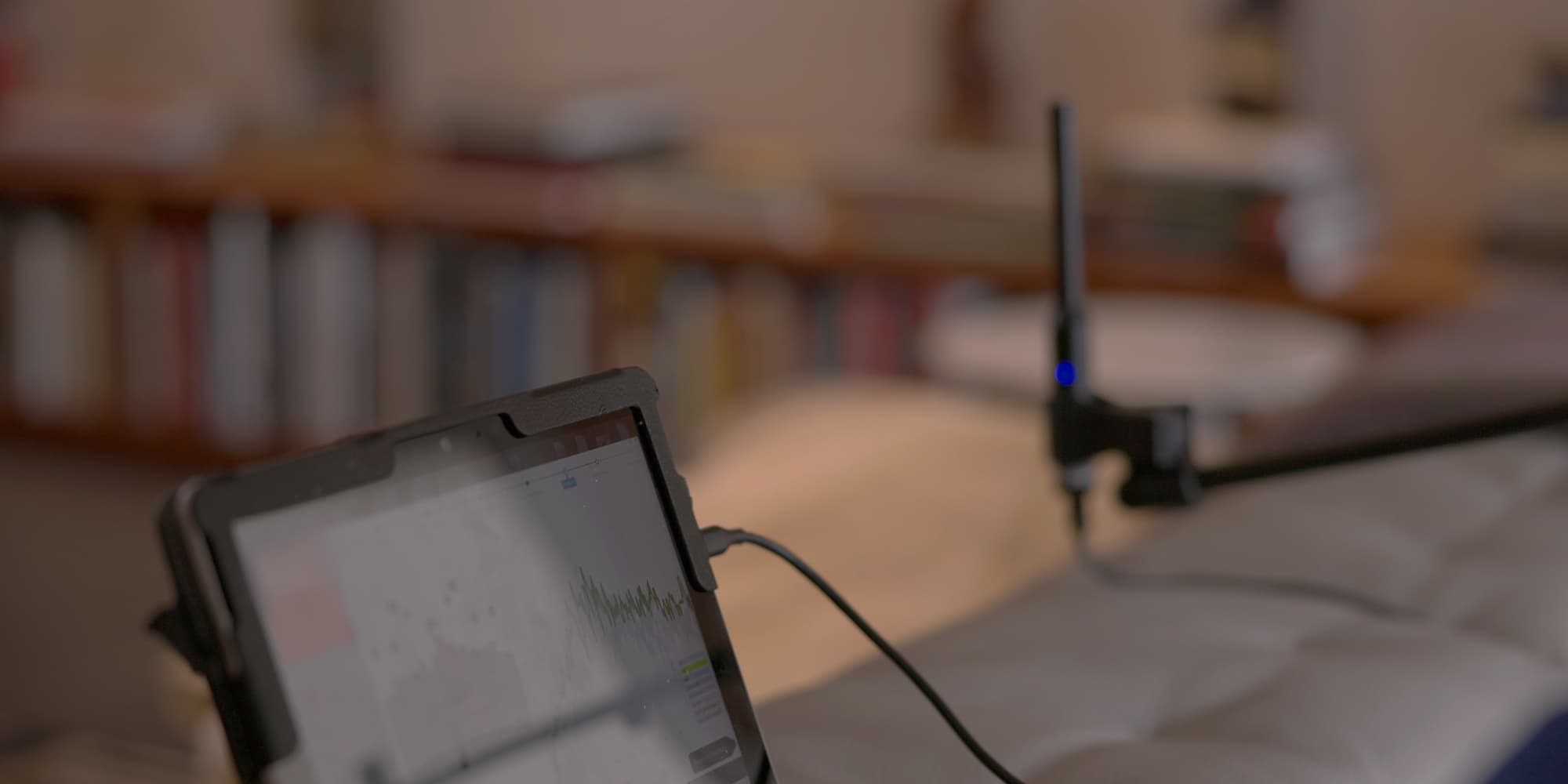
During calibration, Dirac Live plays test sounds called sweeps through your speakers. An omnidirectional measurement microphone picks up both the sound coming directly from the speakers and reflections from the room. Dirac Live uses these measurements to create correction filters for your system.
The microphone also needs calibration data. Even measurement microphones can pick up some frequencies more strongly than others. The data describes those differences so Dirac Live can account for them. Without it, the software could mistake the microphone’s response for something caused by your speakers or room.
Depending on your setup, the calibration data may load automatically from a compatible device or come as a file from the microphone manufacturer. The microphone may be supplied with your device, bought separately, or included in a kit such as the Bluesound Room Calibration Kit.
Recommended microphones and calibration kits
The right option depends on your setup:
- A microphone supplied for Dirac Live. If your device includes one, follow the device manufacturer’s instructions and use it.
- A separate measurement microphone. We recommend the miniDSP UMIK 1. It connects to your computer by USB, and miniDSP provides a calibration file for the microphone. The UMIK 2 is also supported.
- A manufacturer calibration kit. The Bluesound Room Calibration Kit includes a microphone and USB adapter. It works with compatible Bluesound devices and can also be used with other Dirac Live devices when connected to your computer with its calibration file.
The Audyssey microphone supplied with some Denon and Marantz devices is not compatible with Dirac Live.