How does Dirac Live Processor work with your audio system?
With Dirac Live Processor your audio equipment doesn't need to have Dirac Live built in. It runs on your Windows computer or Mac, processing the audio before it reaches your stereo system, AVR or speakers.
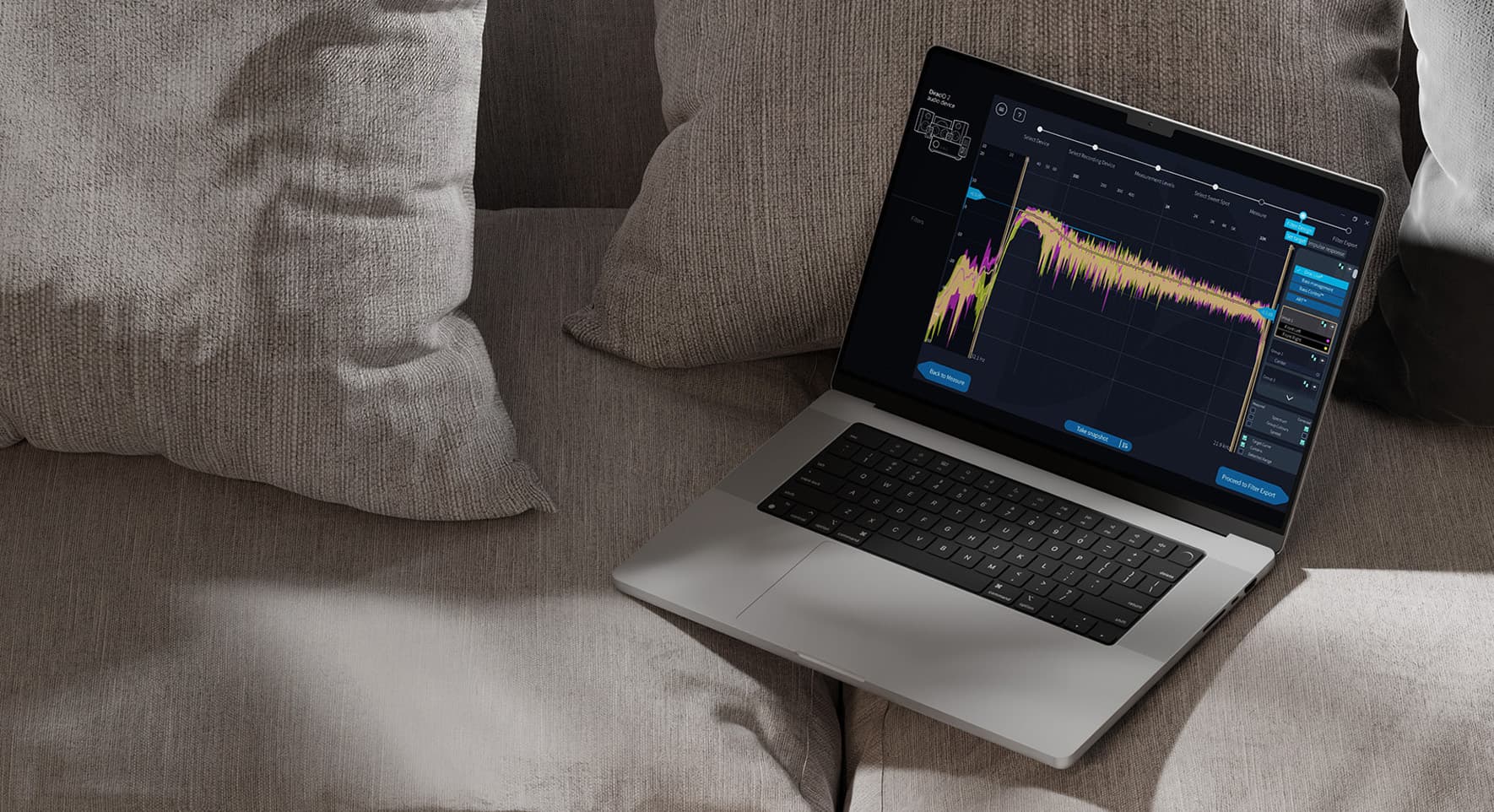
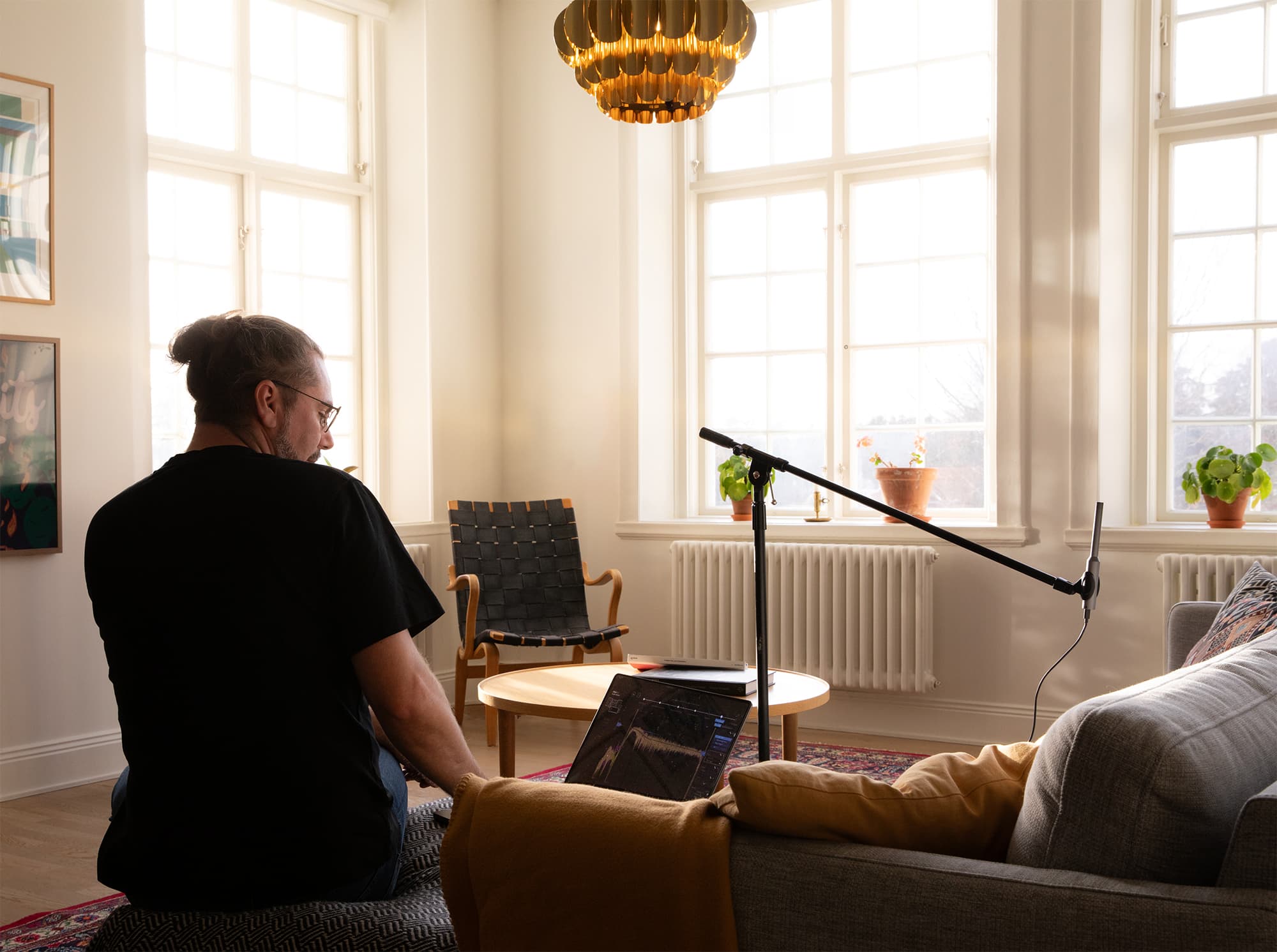
Simply install Dirac Live Processor, select it as your computer's audio output, and choose the device you want to play through. Then use the Dirac Live application and a measurement microphone to measure your room and create correction filters.
With the processing handled by your computer, you can use Dirac Live Room Correction, Bass Control and Active Room Treatment (ART) with a wide range of audio equipment, even if it doesn't support Dirac Live natively.
Bring room correction to any setup.
Dirac Live Processor works with a wide range of audio setups, from stereo systems and home theatres to studios and production environments.
Hi-fi stereo systems
Your room affects the sound of your hi fi system more than you might think. Walls, furniture, speaker placement and your listening position can all change what you hear.
Dirac Live Processor lets you run Dirac Live from your Windows or macOS computer. Measure your room, create filters and apply them before the sound reaches your system.
Use the free trial to hear the difference in your own room before deciding if Dirac Live is right for your setup.
Home theaters
A home theater setup has more acoustic variables than a stereo system. Multiple speakers, subwoofers, seating positions, and room reflections all shape the experience before the sound reaches you.
Dirac Live Processor runs from your PC or Mac and applies Dirac Live room correction to help your system perform more consistently across the room.
For films, series, gaming, and concerts, this can mean clearer dialogue, smoother transitions between speakers, tighter bass, and a more coherent experience from seat to seat.
Studios
In a studio, the room affects what you hear. Reflections, resonances, speaker placement and listening position can all influence decisions on balance, tone and low frequencies.
Dirac Live Processor is a virtual processor for Windows and macOS that applies Dirac Live room correction to your monitoring setup. It can also run as a plug-in in supported DAWs, making it easier to use Dirac Live in recording, mixing, editing and production workflows.
For home studios, music studios and editing suites, it helps create a more reliable listening environment, so you can make decisions that are more grounded in the recording and less shaped by the room.
Why choose Dirac Live Processor?
Keep your setup.
Bring Dirac Live to your audio system without changing the equipment you already own.
Access all of Dirac Live.
Access the complete Dirac Live platform, including Room Correction, Bass Control and ART, even with audio systems that do not have Dirac Live built in.
Free 14-day trial.
Try Dirac Live in the comfort of your home. Measure your room, compare the results and decide before changing your setup.
How it works.
Getting started with Dirac Live Processor is straightforward. Expand the steps below or visit our quick start guide.
1. Install and connect
Install Dirac Live Processor on your PC or Mac. Then go to your computer audio settings and select Dirac Virtual Audio Device as the system output.
From there, choose where the sound should play. This can be your speakers, amplifier, home theatre system or studio setup.
2. Measure your room
Open the Dirac Live app and start the guided calibration. The app will play test tones while you move the microphone around your listening area, measuring how sound behaves in the room.
Once the measurements are complete, Dirac Live shows the measured response and a target curve. You can use the default target, adjust bass and treble, or open the filter design view for more detailed control.
The process typically takes less than thirty minutes.
3. Enjoy calibrated audio from your computer
Save your filter and start playback as normal. Streaming services, local music libraries, video content and other computer audio continue to work as they always have.
Dirac Live Processor applies the correction before the sound reaches your equipment, this way you can enjoy calibrated sound through your setup.
Ready to get started?
Choose the licence that fits your setup and start using Dirac Live Processor today.
Room Correction
Core optimization technology
Adapts each speaker to your room
Delivers richer, clearer sound
Corrects for frequency and timing
Supports mono and multichannel arrangements. Standalone version supports up to 8 input channels.
You need a PC or Mac, a measurement microphone and audio equipment connected to your computer.
Do I need a measurement microphone?
Yes. Dirac Live needs room measurements to create correction filters. A measurement microphone such as the miniDSP UMIK-1 is recommended.
What is the difference between Dirac Live Processor and built in Dirac Live?
Dirac Live Processor runs Dirac Live on your PC or Mac before the audio reaches your system. Dirac Live when it is built in runs directly inside a compatible audio device. Same core technology, different place in the signal chain.
Can I try it before buying?
Yes. Download the free trial, measure your room and hear the results before choosing a license.
Can I use Dirac Live Processor with a DAW or media player?
Yes. Dirac Live Processor supports VST, VST3, AAX and AU plug in formats, so it can be used in compatible DAWs and media players as part of a computer based playback or studio setup.
Can I use Dirac Live Processor ART on older hardware?
Yes. However, in high channel-count setups, ART can be processor-intensive. Try the free trial first if you're on older hardware.
Is Dirac Live Processor the same as Room Correction Suite?
Yes. Dirac Live Processor is the new name for Dirac Live Room Correction Suite. The new name better describes what the product does: it runs on PC and Mac and applies Dirac Live processing before audio reaches your sound system.