Getting started with your Dirac Live trial
Dirac Live Processor lets you experience Dirac Live without compatible hardware. It runs on your Mac or PC, correcting all computer audio, from streaming to local files. Start with a free trial before purchasing a full licence.
1
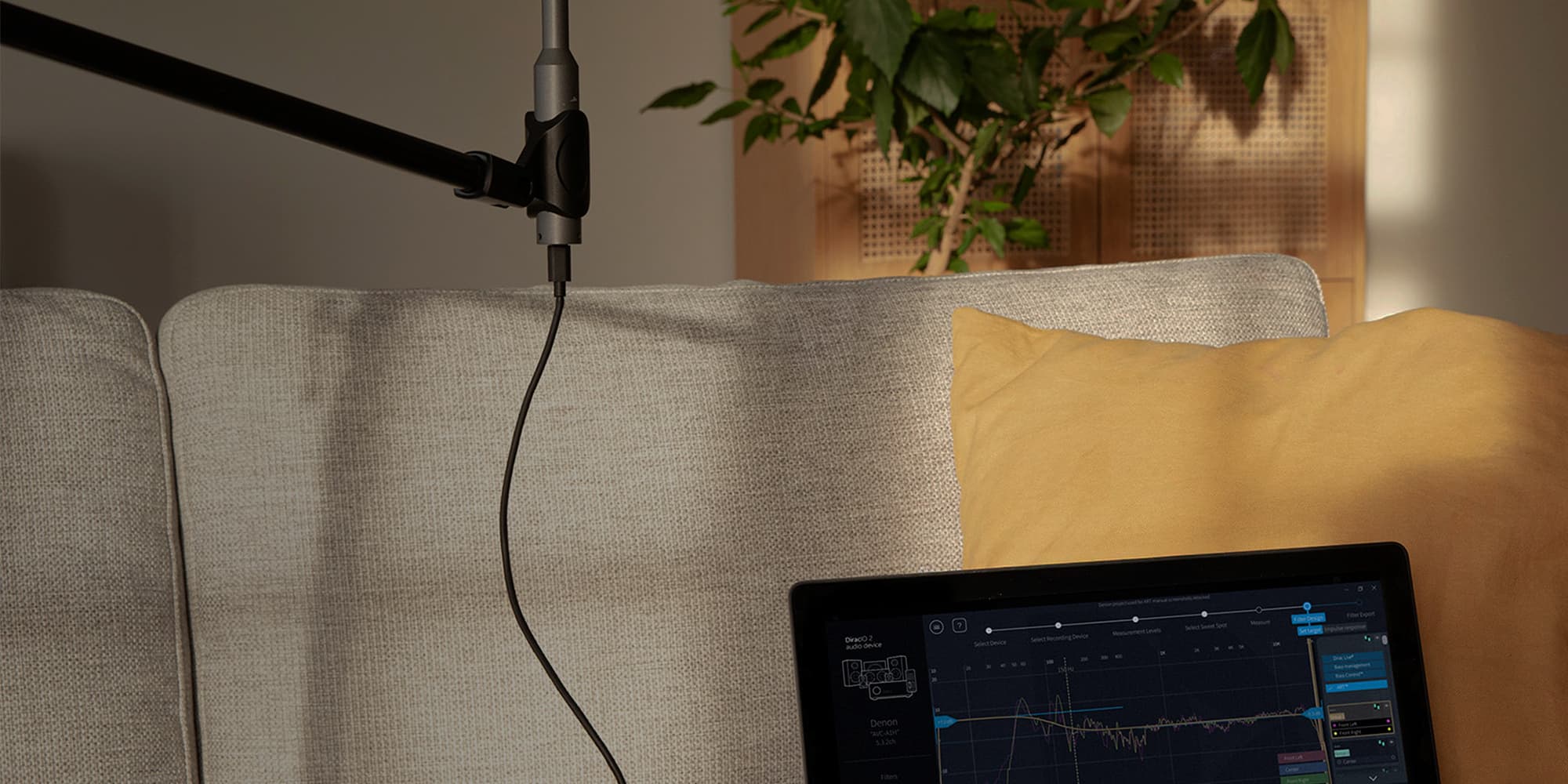
The only hardware you need beyond your computer and your sound system is a measurement microphone. It will listen to test tones played through your speakers to build a precise picture of how the acoustics of your room are affecting the sound. The miniDSP UMIK-1 is our go-to recommendation and it is widely available.
2
Download Dirac Live Processor from the downloads page. It includes the measurement app and the processor program that applies correction during playback. You need a Dirac account and a valid trial or paid licence. The Dirac Live application measures your room and creates the sound correction. Dirac Live Processor applies that correction while you listen.
3
Set up your system by connecting your computer to your speakers or sound system. Launch the Dirac Live Processor app and select it as your default audio output in your computer. This will apply the Processor calibration across your entire computer and all apps.
4
Open the Dirac Live app to begin the calibration. Follow the guided measurement process by moving the microphone around your listening area while the software analyses your room. The process usually takes less than thirty minutes.
5
Once calibration is complete, Dirac Live creates a correction filter tailored to your room and sends it to the Processor automatically. Dirac Live Processor then runs in the background while you listen. If you want to adjust or apply custom target curves, follow the link.